Why Accuracy Matters
If your step count is wrong, everything built on top of it — your distance estimates, calorie calculations, and progress tracking — will be wrong too. Inaccurate step data doesn't just give you misleading numbers; it can lead you to set the wrong goals, overestimate your calorie burn, or underestimate how far you still need to go. Accuracy might sound like a technical concern, but it has real consequences for anyone who takes their walking goals seriously.
The good news is that getting accurate step data doesn't require expensive equipment or complex calibration. It mostly comes down to understanding the strengths and limitations of your tracking device and using it correctly.
Types of Step Trackers
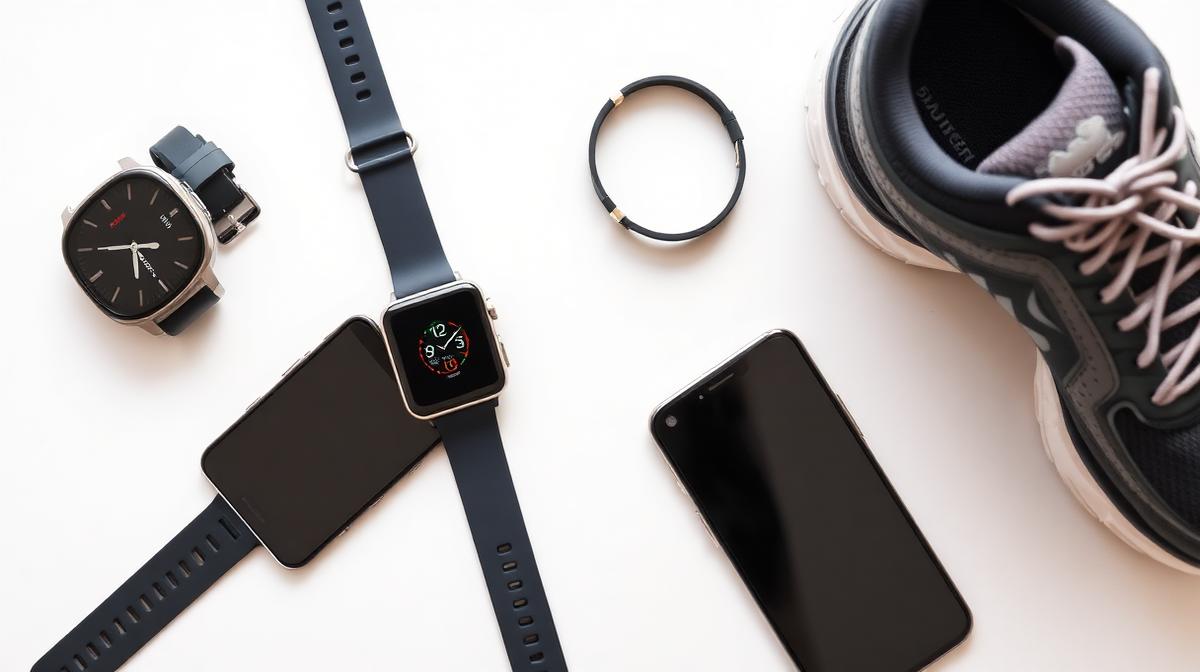
The three main categories of step-tracking devices each come with their own trade-offs between convenience and accuracy.
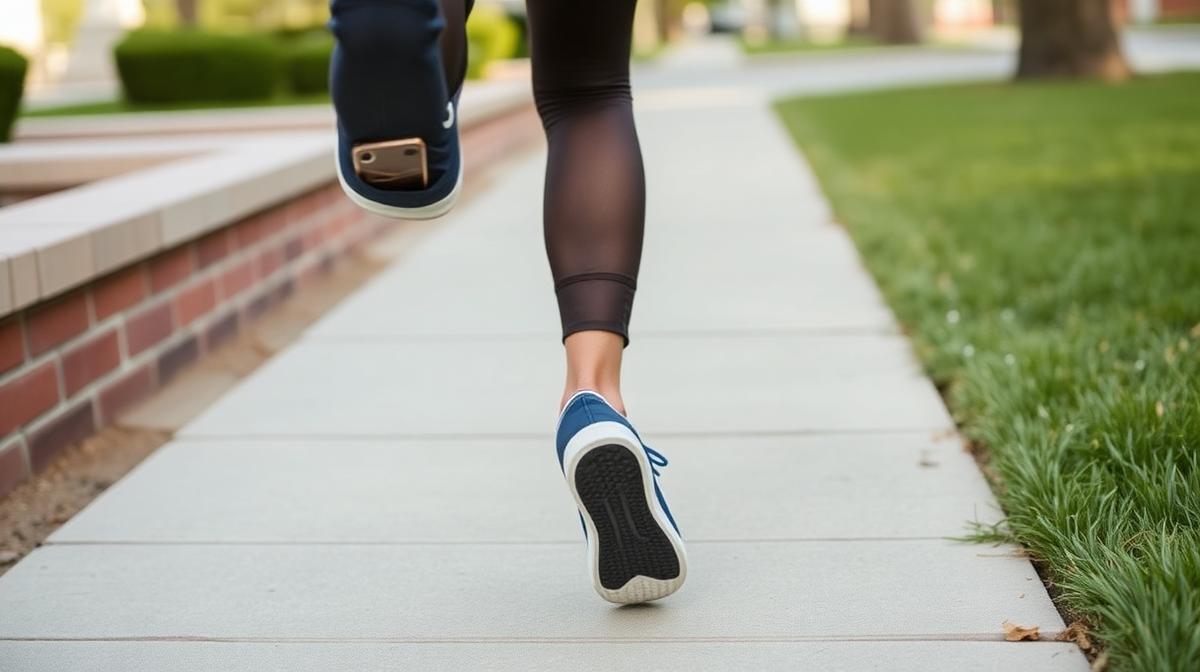
Smartphone apps are the most accessible option since nearly everyone already carries a phone. When your phone is in your pocket, these apps typically achieve 85 to 95 percent accuracy, which is respectable for casual tracking. The downside is that you must have your phone on your body for the counting to work — toss it in a bag or leave it on your desk, and the accuracy drops substantially.
Wrist-based fitness trackers like Fitbit, Apple Watch, and similar devices offer the convenience of always-on tracking without needing to carry your phone. Their accuracy for normal walking is quite good, typically in the 90 to 97 percent range. The trade-off is that because they rely on wrist motion, they can sometimes mistake vigorous arm movements for walking — leading to inflated step counts when you're cooking, typing, or gesturing during a conversation.
Hip-mounted pedometers are the old-school option, but they remain the gold standard for pure step-counting accuracy at 95 to 99 percent. Their position near your center of mass makes them less susceptible to false readings from arm movements. The trade-off is that they're less convenient to wear and typically don't offer the smart features that modern wrist-based trackers provide.
Tips for Better Accuracy
Regardless of which device you use, a few simple practices can significantly improve your accuracy.
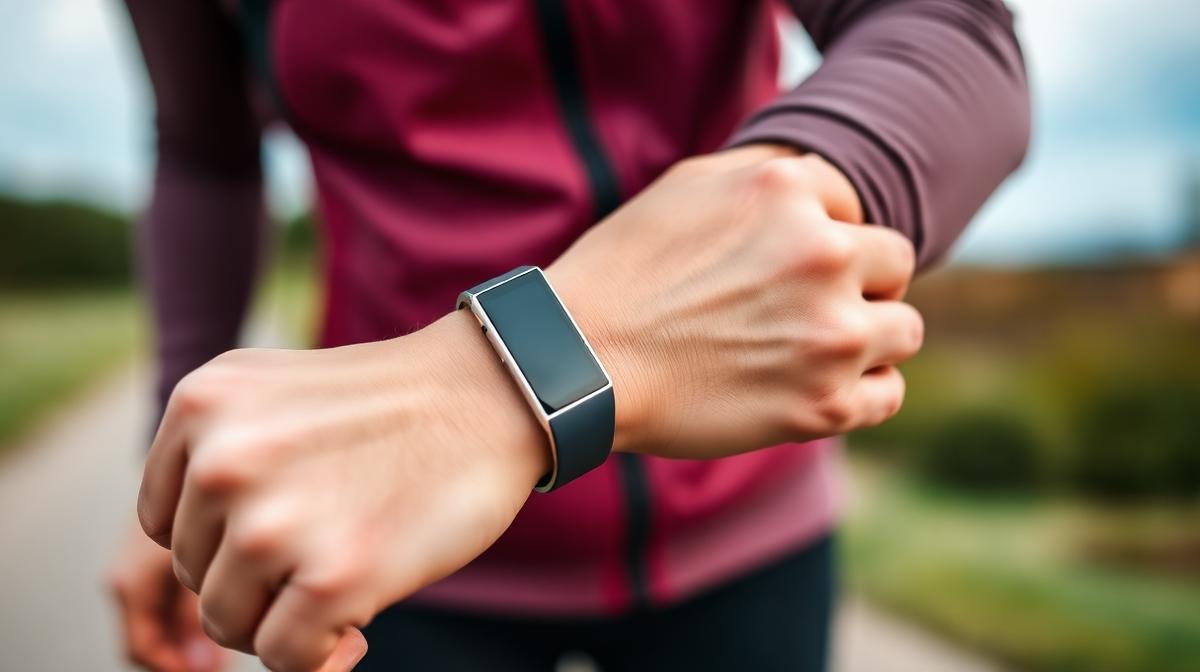
If you wear a wrist tracker, keep it snug on your non-dominant hand. This reduces the number of incidental arm movements that might be misread as steps. For phone-based tracking, carrying your phone in your pocket rather than in a bag makes a noticeable difference in detection accuracy.
One of the most impactful improvements is calibrating your stride length in your device's settings. Most trackers ship with a default stride length based on population averages, but entering your actual measured stride can improve distance and calorie accuracy by 10 to 20 percent. Syncing your data regularly also helps prevent gaps or losses, especially with devices that have limited onboard storage.
Finally, develop the habit of mentally filtering out obviously false readings. If you spent an hour cooking dinner and your tracker logged 2,000 steps, common sense tells you those aren't real walking steps. Some devices let you manually edit entries, which can help keep your long-term data more accurate.
Common Accuracy Issues
Understanding the most frequent accuracy problems helps you interpret your data with appropriate skepticism.
Over-counting is the most common issue with wrist-based trackers. Vigorous arm movements — cooking, cleaning, typing, or even gesturing during an animated conversation — can inflate your daily count by 10 to 20 percent. If you regularly see step counts that seem surprisingly high on days you know you didn't walk much, your tracker is likely counting arm movements.
Under-counting happens in the opposite scenarios. Pushing a stroller, carrying heavy grocery bags, or walking on very soft surfaces can all cause missed steps, because your arms aren't swinging naturally or your body's movement pattern doesn't match what the tracker expects. Phone-based tracking also under-counts whenever your phone isn't on your body.
Tip: For the most accurate calorie and distance calculations, combine your step data with SnapStepsCalc. Enter your actual step count and personal measurements for reliable, personalized results.
Frequently Asked Questions
Which is more accurate: phone or fitness band?
For pure step counting, a hip-mounted tracker remains the most accurate option available. Between phones and wrist bands, a phone in your pocket is slightly more accurate because it's closer to your center of mass and less affected by arm movements. However, wrist bands win on convenience, and for most people the slight accuracy trade-off is worth it.
Do treadmill steps count the same?
Treadmill walking generally produces similar step counts to outdoor walking, though some trackers may slightly under-count because the belt moves beneath you rather than you pushing off stationary ground. Most modern devices have adapted to handle treadmill walking reasonably well.
How many steps do trackers miss per day?
Most wrist-based trackers fall within 5 to 10 percent of actual steps. On a 10,000-step day, that translates to up to 1,000 steps of variance in either direction. This level of accuracy is more than sufficient for general fitness tracking and goal setting, though not precise enough for clinical research.