Start with a session you can control
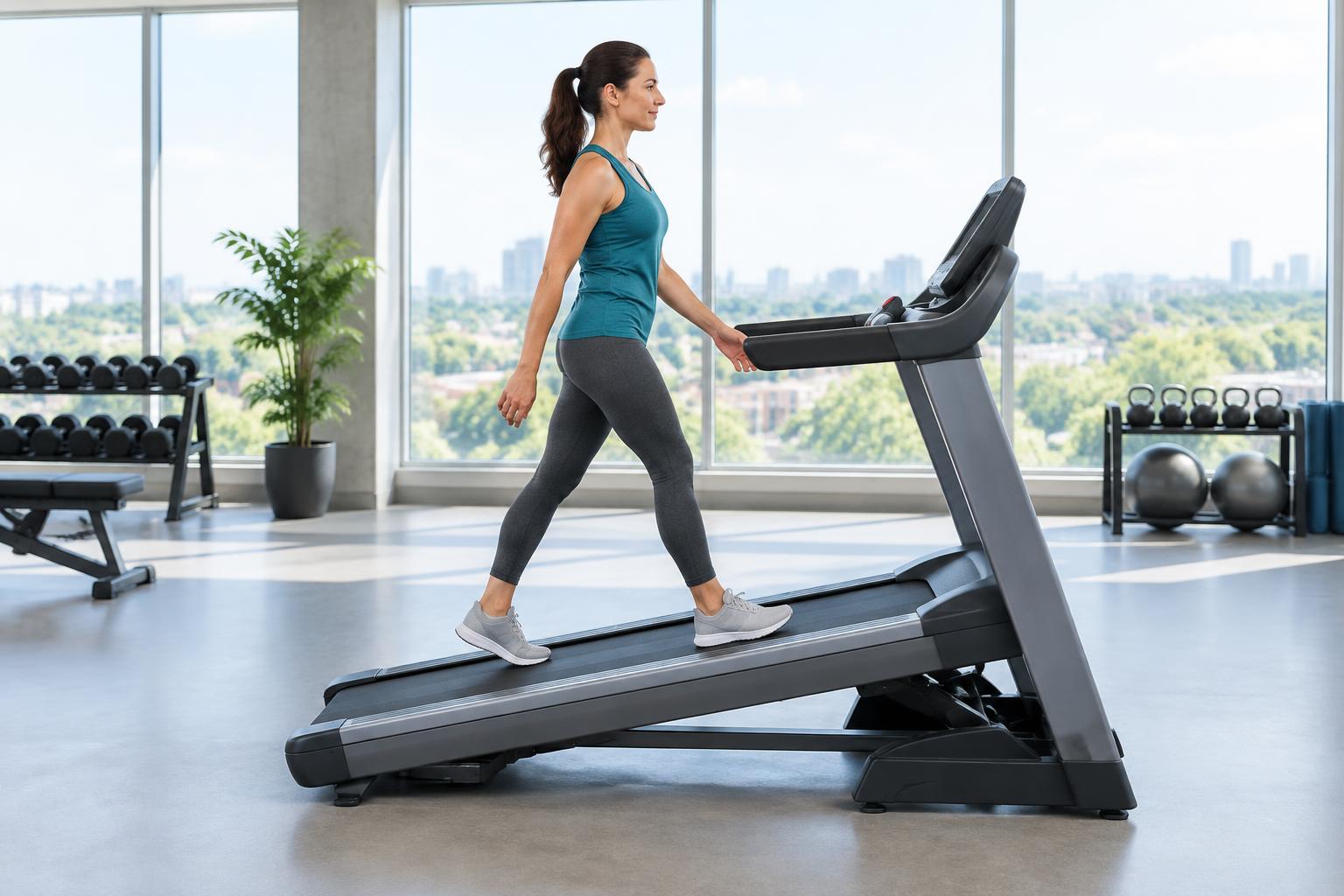
Treadmill walking is walking on a moving belt at a chosen speed and, on some machines, an adjustable grade. Its useful feature is control over those settings. That does not mean everyone should use the same speed, or that the console measures every aspect of the activity.
This guide answers a practical question: how to begin a manageable session and interpret what the console and wearable record. For speed, duration, distance and estimated steps, use the existing treadmill steps calculator. You do not need a second calculator to understand the records.
Before the belt starts
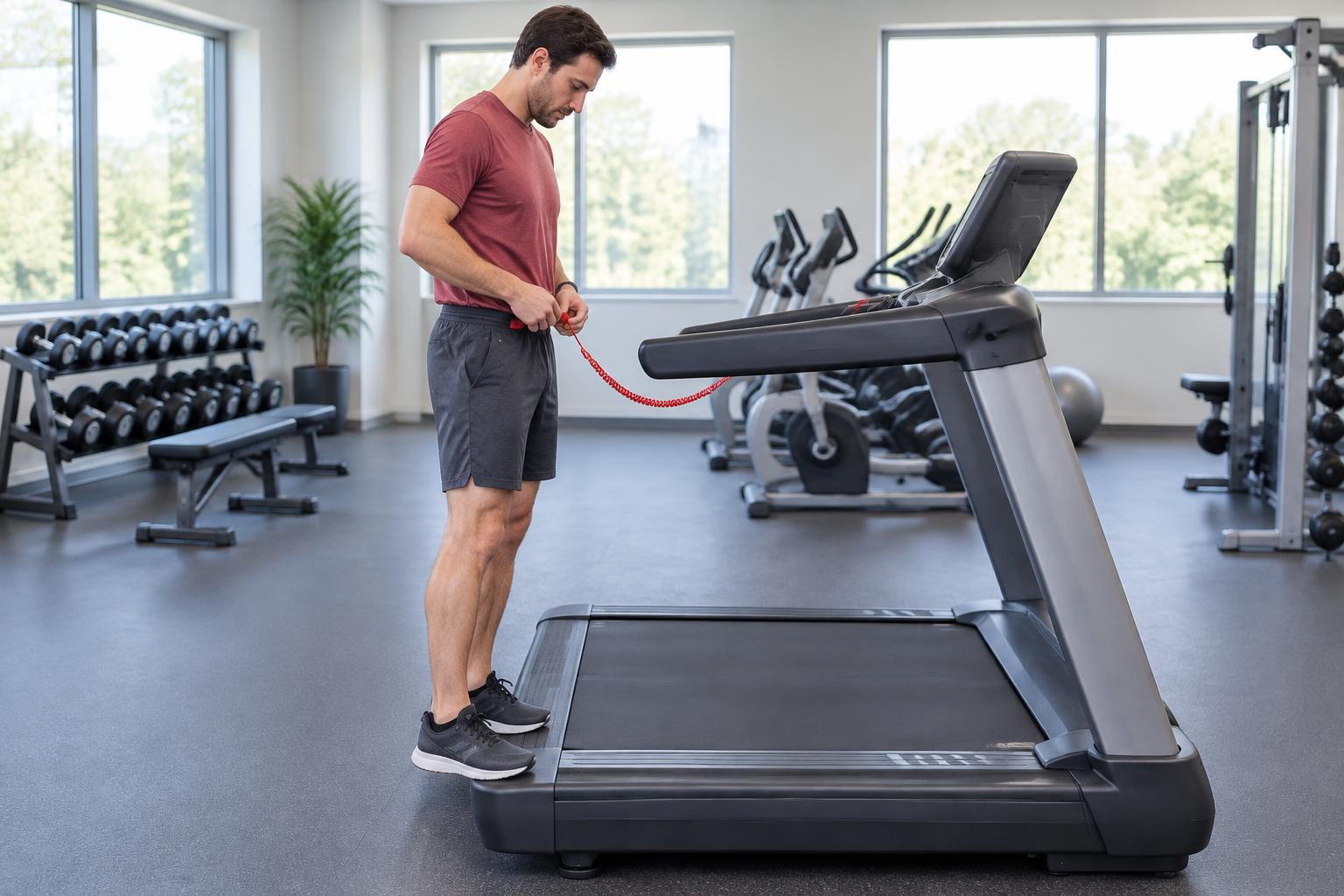
Read the manufacturer's instructions, including safe starting and stopping, available space around the machine and how its emergency-stop system works. Attach a safety clip if the machine provides one. Do not assume every treadmill or walking pad has the same controls or capabilities.
Choose an easy setting you can control while becoming familiar with the belt. Confirm whether the console displays mph or km/h: 3 mph is 4.83 km/h, not 3 km/h. Check whether incline is shown as percentage grade or a proprietary level.
Keep distractions away from the initial setup. A phone task or unfamiliar controls should not take priority over balance. General treadmill-use guidance from the Arthritis Foundation discusses practical selection and use; your own machine's manual remains important.
Decide what kind of walk you are recording
An easy session, a purposeful moderate-effort walk and a steep incline session are different choices. Begin with the purpose and your ability rather than a copied speed. The brisk-walking guide explains the talk test and why effort differs between people.
If you change settings midway, record those changes if you want to compare sessions. A single average speed can hide time spent at very different grades. The 12-3-30 article addresses one named routine and its evidence—not a universal starting plan.
What each number actually represents
| Record | What it describes | Main interpretation limit |
|---|---|---|
| Console speed | The machine's belt-speed setting | Not an independent measurement of your physiological effort |
| Console distance | Belt travel reported by the machine | Depends on its measurement and calibration |
| Moving time | Time spent walking | May differ from total elapsed time including pauses |
| Wearable steps | Estimated footfalls from movement signals | Device and movement pattern can produce missed or added steps |
| Calculator steps | Distance divided by assumed one-step length | A projection, not a new measurement of the walk |
A console distance and a wrist step count can both be useful without being interchangeable. Do not compare them as though one is automatically a perfect reference for the other.
Why your watch may not match the console
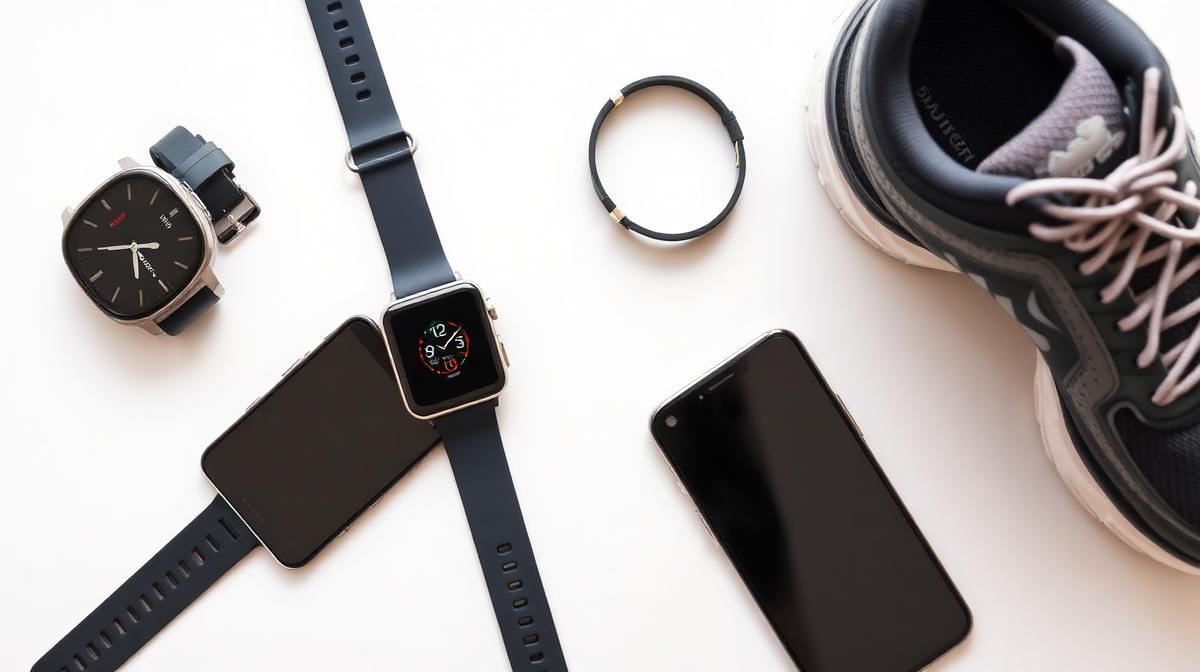
Trackers use movement patterns rather than directly observing every footfall. Device type, placement and walking pattern matter. Restricted arm swing, such as when holding rails, can affect a wrist-based record. Supporting body weight on rails can also change energy demand, so it is not just a counting issue.
A 35-person tracker validation study examined step-count accuracy across walking settings. Its setting-dependent findings do not justify one universal “add 10%” correction for treadmill steps.
Keep the device placement consistent and compare similar sessions. A discrepancy is a reason to inspect the method, not immediately change the record until it matches the number you expected. Our general step-tracking article covers other devices and everyday settings.
A simple record-checking example
Suppose the belt stays at 3 mph (4.83 km/h) for 30 moving minutes. It travels 1.50 mi (2.41 km). Dividing that distance by an assumed 0.74 m (29.13 in) one-step length projects about 3,262 steps.
Now suppose your device records 3,100. That difference alone does not prove which input is wrong. Your actual step length may differ from the assumption, the device may miss steps, or the machine's record may have limitations. Stops and changes in speed also matter.
Check moving time, units and the meaning of step versus stride first. A full stride covers two steps. Do not put a two-step stride measurement into a one-step-length field. Calibrating step length and cadence over 30 minutes describe measured inputs rather than borrowed averages.
How to make comparisons more useful
Record moving minutes, speed units, grade and whether you used rail support. Use the same device placement. Note whether the session was steady or involved pauses. Compare repeated observations instead of treating a single unusual count as proof of improvement or failure.
If you want to count a sample of steps, do so only when you can walk safely without distraction; do not compromise balance for a manual measurement. Your safety matters more than completing an accuracy experiment.
Step length can change with pace and grade. A flat-ground measurement may not transfer unchanged to a steep treadmill walk. The site does not use a treadmill step projection as an exact laboratory count.
Treadmill versus outdoor walking: no universal conversion
Outdoors, surface, turns, weather, stops and slope can vary. A treadmill provides a more controlled setting, but machine settings, rail use and movement patterns still matter. Equal displayed speed does not establish identical effort in every setting.
Do not automatically add 1% incline and call it an exact outdoor equivalent. There is no one correction here that applies to every walking speed, surface and person. Choose grade as a setting for your intended session, not as a guarantee of equivalence.
An under-desk walking pad also has its own equipment limits and attention demands. Check its manual rather than treating desk walking as the same session as a purposeful incline workout.
Calories are another estimate—not a reconciliation tool
The treadmill calculator uses the ACSM walking equation for energy, with a commonly used speed range of roughly 1.86–3.73 mph (3–6 km/h). Outside that range, the tool warns about its model assumptions. Step/distance arithmetic and calorie-model validity are different questions.
Holding rails can affect energy demand; handrail-support research supports that caution. A calculator does not know how much weight you supported with your arms. Safety support should not be withheld to preserve a model estimate.
Do not adjust step records to make the watch's calorie display match the calculator. Different methods can disagree. Calorie comparison and methodology explain why gross and active energy are separate views, not two amounts to sum.
When to change or stop the session
Reduce the demand if you cannot remain balanced or control the pace. Stop and seek appropriate help for chest pain, faintness or unusual severe breathlessness. New pain or pronounced fatigue merits attention. People with repeated falls, significant symptoms, recent illness or relevant medical conditions may need an individualized plan.
There is no need to reach a particular step count before the walk counts as activity. A manageable session is more useful than continuing just to make a display reach a round number.
Questions about treadmill records
Does a treadmill measure my steps?
Some machines may estimate them, but belt distance alone does not establish footfalls. Check what the machine actually measures.
Should I add a fixed percentage to my watch count?
Not based on the evidence here. Errors vary by device and setting; inspect the inputs and method first.
Why is the calculator count different?
It divides distance by an assumed step length. That projection can differ from an observed device count without proving either is exact.
Sources
- Arthritis Foundation: choosing and using a treadmill.
- Tracker step-count validation across walking settings.
- Handrail support and metabolic demand.
- ACSM walking equation discussion.
Bottom line: control the session first, then compare records with their definitions intact. A console, wearable and calculator do not measure the same thing.